
Fidelity Crypto A Comprehensive Review
July 15, 2026
Mastercard Expands Crypto Presence with New Debit Card Program
July 18, 2026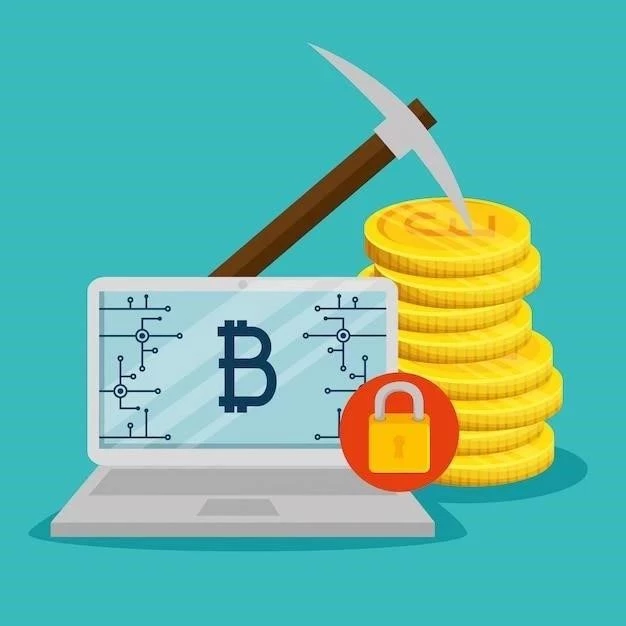
Bitcoin mining, the process of verifying and adding transaction records to the public ledger (blockchain), once thrived on individual PCs. While large-scale mining now dominates, utilizing Application-Specific Integrated Circuits (ASICs), understanding software options for CPU/GPU mining remains relevant for learning and potentially small-scale experimentation. This article details free Bitcoin mining software for PCs, covering options, considerations, and realistic expectations.
Understanding the Landscape
Before diving into software, it’s crucial to understand that free Bitcoin mining software won’t make you rich. The difficulty of mining has increased exponentially. ASICs are vastly more efficient. CPU mining is generally unprofitable. GPU mining can be profitable for certain altcoins, but Bitcoin specifically is rarely viable on GPUs due to its computational demands. This guide focuses on software options, not guaranteed profits.
Popular Free Bitcoin Mining Software Options
CGMiner
CGMiner is a widely used, open-source mining software. It supports various mining hardware, including CPUs, GPUs, and ASICs. It’s command-line based, meaning you interact with it through text commands. This can be intimidating for beginners, but it offers significant customization.
- Pros: Highly configurable, supports multiple hardware types, open-source.
- Cons: Command-line interface, requires technical knowledge.
- Download: https://github.com/ckolivas/cgminer
BFGMiner
BFGMiner is another popular open-source miner, built upon CGMiner. It also uses a command-line interface but offers a more user-friendly experience with a web interface for monitoring and control. It supports a wide range of mining hardware.
- Pros: Web interface, supports multiple hardware types, open-source.
- Cons: Command-line interface still required for initial setup, can be complex.
- Download: https://github.com/bfgminer/bfgminer
EasyMiner
EasyMiner is designed for beginners. It provides a graphical user interface (GUI), making it easier to set up and manage your mining operation. It supports CPU and GPU mining, and integrates with various mining pools.
- Pros: GUI, easy to use, supports CPU/GPU mining.
- Cons: Less configurable than CGMiner or BFGMiner, potentially less efficient.
- Download: https://easyminer.org/
Important Considerations
- Mining Pool: Solo mining Bitcoin is extremely unlikely to yield results. Join a mining pool to combine your resources with others and increase your chances of earning rewards.
- Hardware: CPUs are generally inefficient for Bitcoin mining. GPUs offer better performance, but ASICs are the most efficient.
- Electricity Costs: Mining consumes significant electricity. Factor in your electricity costs to determine if mining is profitable.
- Wallet: You’ll need a Bitcoin wallet to store your mined coins.
- Security: Protect your computer from malware and viruses.
Setting Up the Software (General Steps)
The setup process varies depending on the software. Generally, you’ll need to:
- Download and install the software.
- Configure the software with your mining pool details (URL, worker name, password).
- Select your mining hardware (CPU or GPU).
- Start mining!
Realistic Expectations
Don’t expect to become wealthy mining Bitcoin on a PC. The profitability is low, and the costs (electricity, hardware) can outweigh the rewards. Consider mining altcoins instead, which may be more profitable with GPUs. Treat PC mining as a learning experience rather than a source of income.